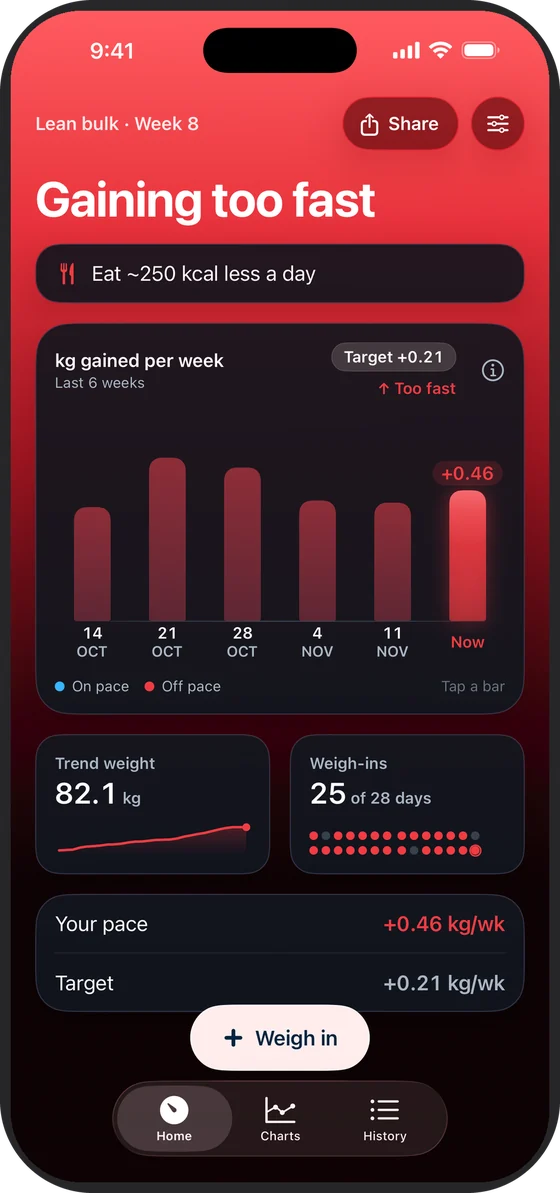
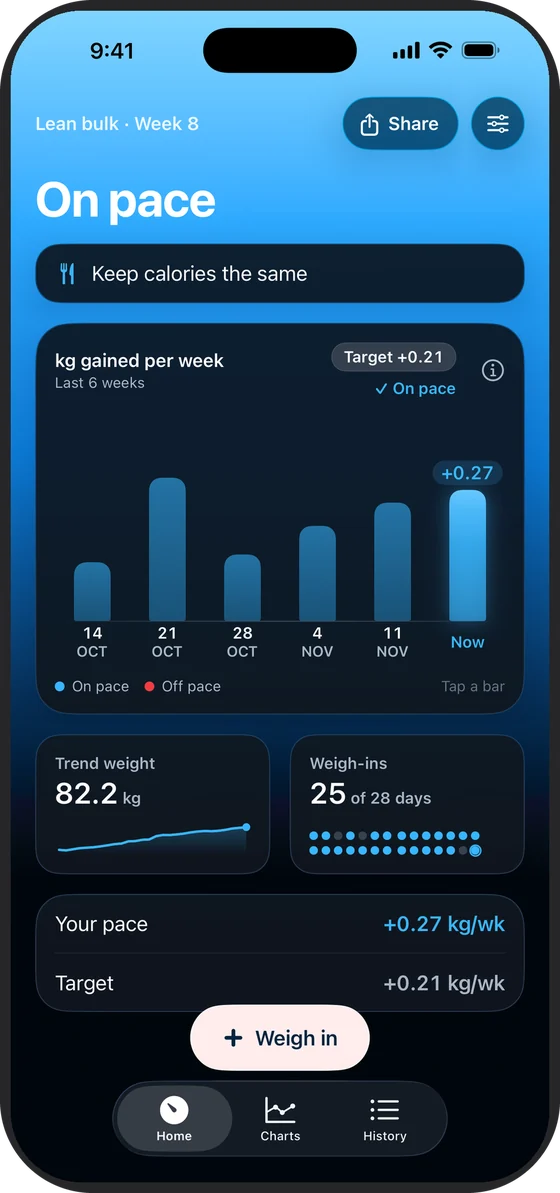
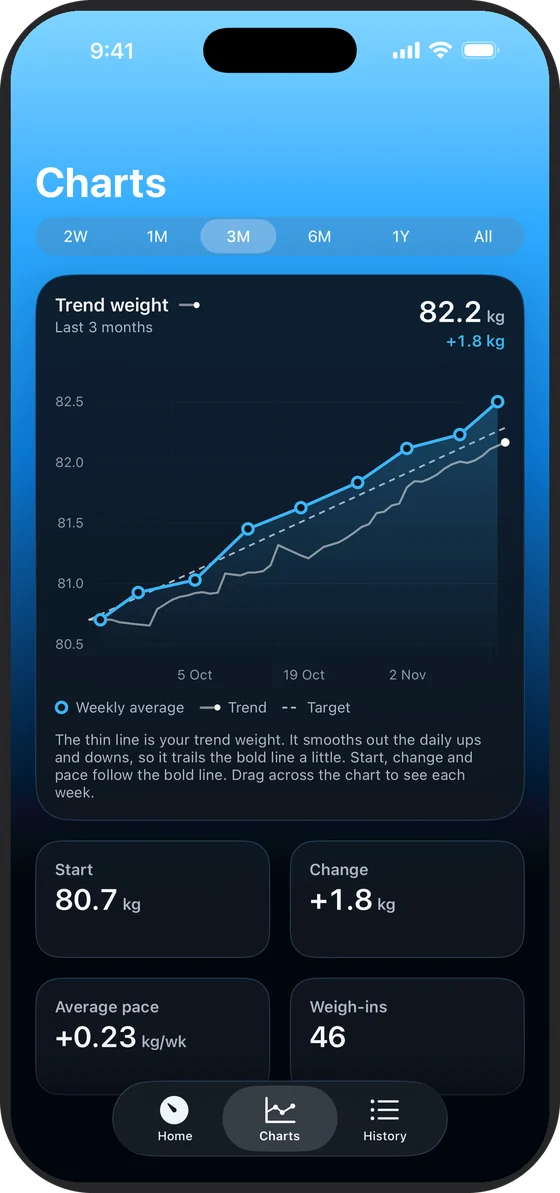
One clear answer
Your scale jumps around every day: water, salt, a big training day. On Pace looks past it.
On pace, or not
A plain verdict: on pace, gaining too fast or gaining too slowly (losing, on a cut). It waits until it’s sure, so one salty dinner never flips it.
Eat more or less?
When you’re off, you get a simple nudge, like “Eat ~150 kcal more a day”. No food logging. Just weigh in.
Built for lifters
Lean bulk, bulk, maintain, cut or aggressive cut, or set your own rate. Targets as a percentage of bodyweight a week, in kg or lb.
Your data stays on your phone
No account, no tracking. Works with Apple Health, so weigh-ins from your smart scale come in by themselves. Export to CSV any time.
Support
Quick answers to common questions.
Why don’t I have a verdict yet?
On Pace waits for about 3 weeks of weigh-ins (week 1 is left out, because it’s mostly water) so the verdict is reliable. Home shows how many days are left.
Why does my verdict say “too fast” when I’m on a cut?
On a cut, “too fast” means you’re losing faster than your plan. The nudge will be to eat a little more, to protect your muscle.
How do I switch from a bulk to a cut?
Settings › Your plan › Change. Your weigh-ins and past plans are kept.
Does On Pace work with Apple Health?
Yes, if you turn it on (during setup or in Settings › Apple Health). Weigh-ins from your smart scale or other apps come in each time you open On Pace, and the ones you log are saved to Health. If nothing comes in, open the Health app, tap your profile picture, then Apps › On Pace, and turn on Weight.
How do I get a reminder to weigh in?
Settings › Reminder › Daily reminder, then pick a time. There’s no reminder on days you’ve already weighed in. If it never arrives, check iPhone Settings › Notifications › On Pace.
How do I move my data?
Settings › Your data › Export saves a CSV file. Import reads CSV files from spreadsheets and most weight apps. Want to try it? Here’s a sample file with 12 weeks of weigh-ins.
Still stuck, or got an idea?
Email skyzzxo123@gmail.com. I read every message.